


Connecting via SIP
Bluejay supports direct SIP (Session Initiation Protocol) connectivity, allowing you to bypass the traditional PSTN (Public Switched Telephone Network) and establish direct connections to your voice agents. This approach provides enhanced control, reduced latency, and access to rich call metadata through custom headers.What is SIP?
SIP (Session Initiation Protocol) is a signaling protocol used for initiating, maintaining, and terminating real-time communication sessions. Unlike traditional PSTN calls that route through telephone networks, SIP enables direct IP-based communication between endpoints.How SIP Calls Connect
When you configure your agent for SIP connectivity, the call flow works as follows:- SIP Invite: Bluejay sends a SIP INVITE request to the voice agent endpoint
- Header Injection: Bluejay automatically injects custom headers, including the
X-Simulation-Result-Id - Session Negotiation: SIP protocols negotiate audio codecs, media parameters, and connection details
- Media Stream: Direct RTP (Real-time Transport Protocol) audio streams are established
- Call Handling: Your agent processes the call with full access to SIP headers and metadata
X-Simulation-Result-Id Header
Bluejay automatically injects a critical header into every SIP INVITE request:
Header Usage in SIP INVITE
When your SIP system receives an incoming call from Bluejay, the complete SIP INVITE will include:Extracting the Header
Your SIP infrastructure can extract this header during call setup:/v1/update-simulation-result endpoint.
For more information, see the Tool Calls & Metadata documentation.
Integrations Guides
Connecting With VAPI
Connecting With VAPI
- Start by create a SIP URI in VAPI, go to phone numbers and click on the create a new phone number. Click on the Free VAPI SIP option and specify the SIP identifier you want to use in your URI.
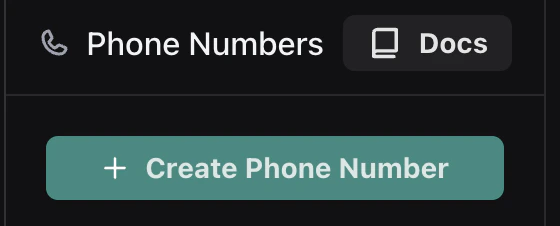
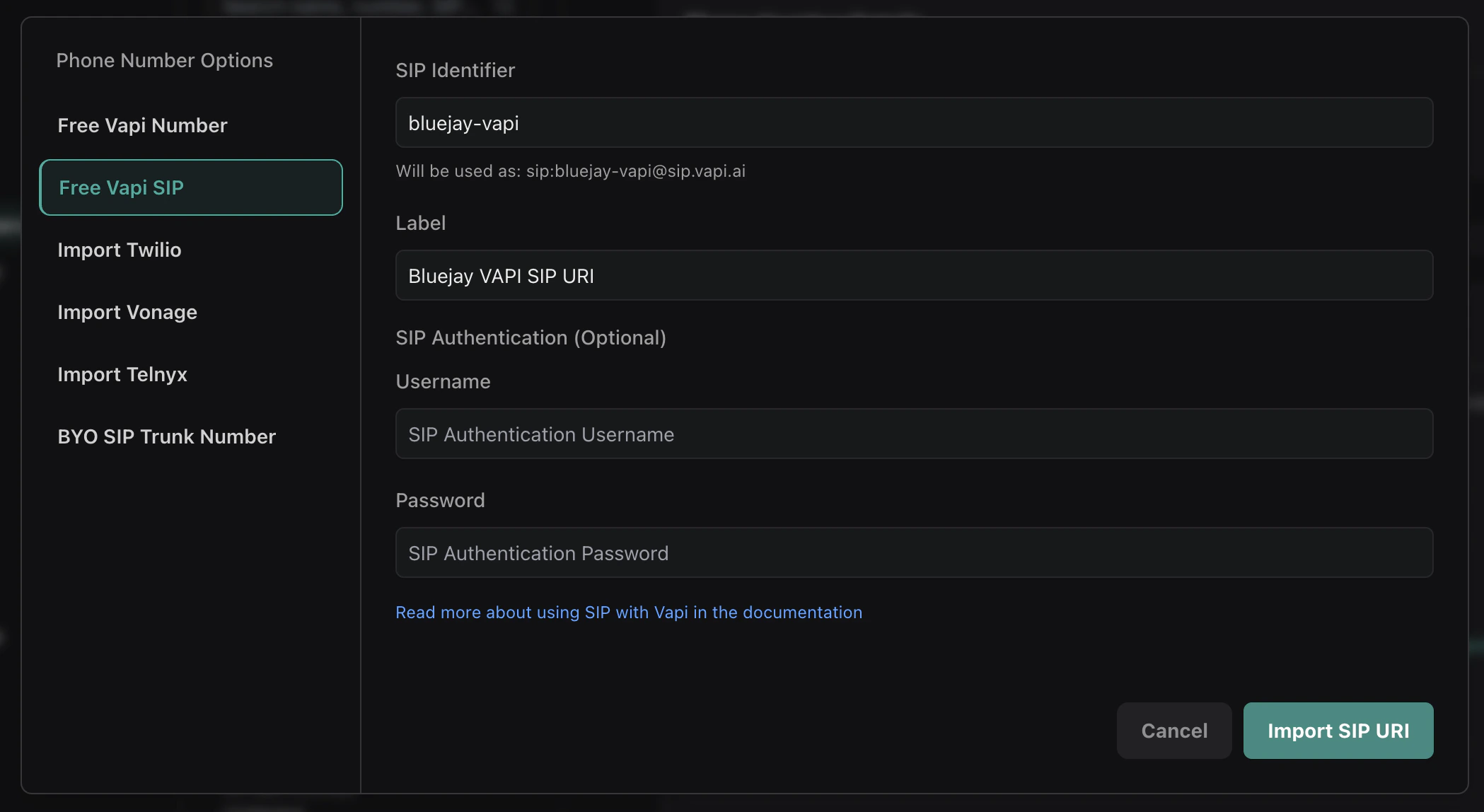
- Set up a webhook that accepts messages for everything you want to track from your agent along with the end of call report from VAPI. The webhook format that VAPI sends can be found here. To get started you can set up the webhook (Server URL) under the SIP URI but you can also specify the webhook URL at different levels.
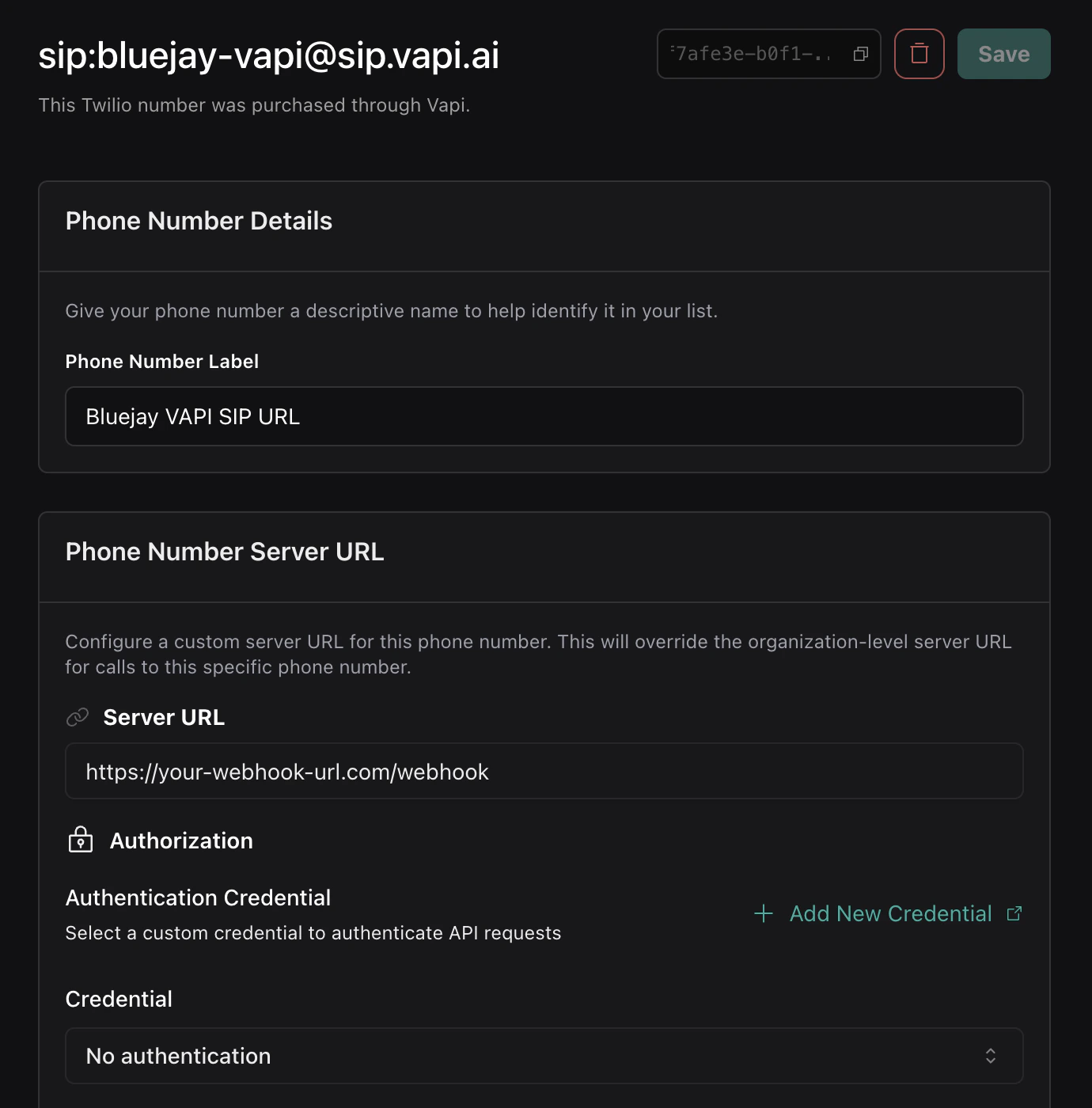
- After your webhook is set up and you track the relevant tool calls and metadata from your agent, you can pull the simulation result ID from the
end-of-call-reportmessage that VAPI sends to your webhook.
- You can now use this simulation result ID to update the simulation result with the tool calls and metadata you have collected from your agent by calling the
/v1/update-simulation-resultendpoint.